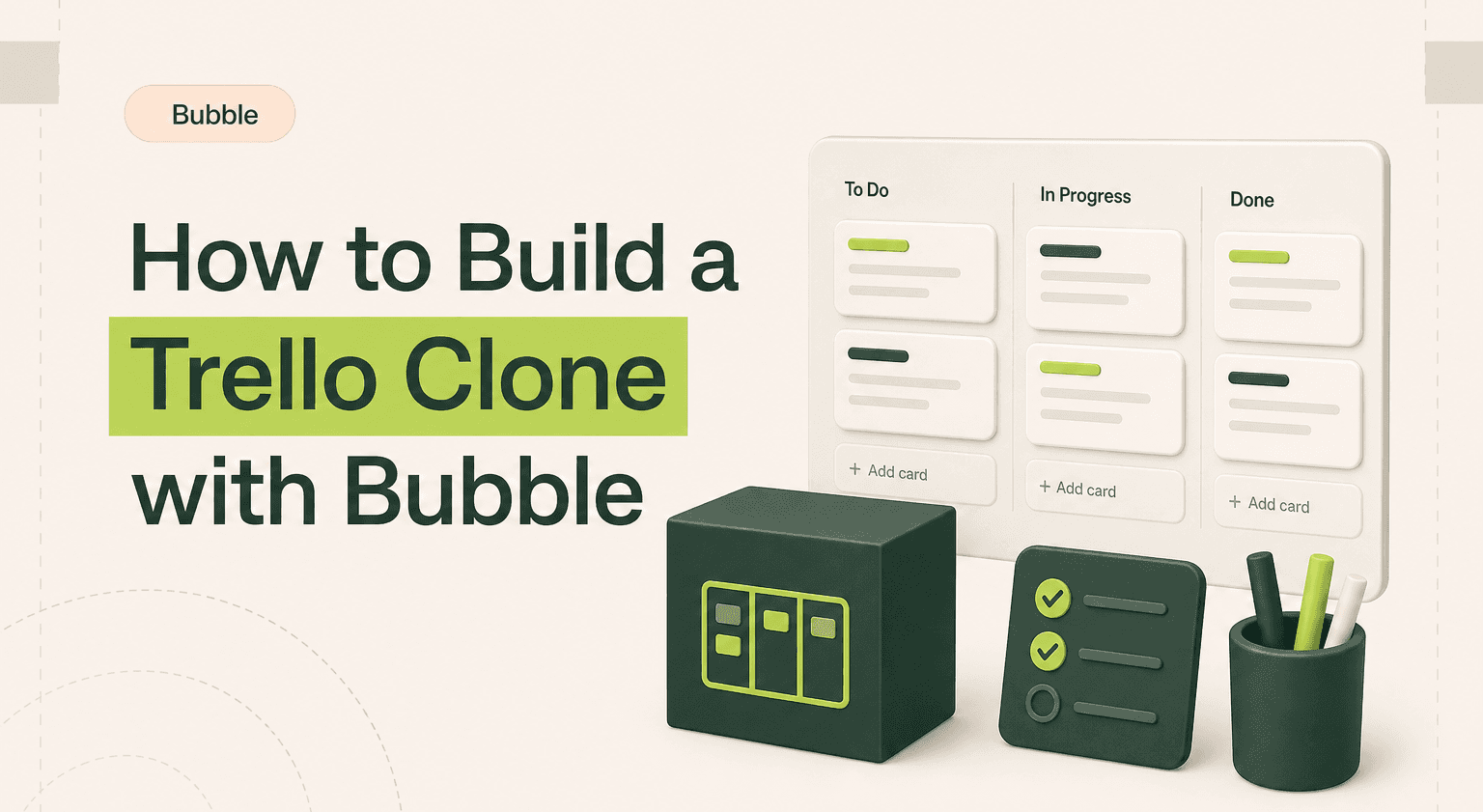
TL;DR: Build a kanban project tool that actually feels like Trello
Model Workspace, Board, List, Card with position numbers in gaps of 10 so cards reorder without renumbering every record.
Pick a drag-and-drop plugin, button-based moves, or a SortableJS HTML embed depending on how much polish your web app needs.
Denormalise the board reference onto cards so board-level queries do not have to traverse list to board on every page load.
Log card moves, assignments, and comments to an Activity data type so users get the Trello activity feed for free.
Ship a button-based MVP first, then upgrade drag-and-drop with help from an agency; explore previous builds for reference.
What Trello Actually Does
Trello is a visual project management tool built on the kanban board metaphor. You create boards for projects, add lists (columns) that represent stages or categories, and populate them with cards that represent individual tasks or items. Cards move between lists as work progresses. The entire interaction model is built around dragging cards across columns, which makes status updates feel effortless instead of administrative.
The genius of Trello is its simplicity. It works for software development, content calendars, hiring pipelines, wedding planning, and dozens of other use cases because it does not prescribe a workflow. It gives you the building blocks and lets you structure them however you want.
Core Features Worth Cloning
A functional kanban board app needs board creation and management, lists (columns) within boards that can be reordered, cards within lists with titles and descriptions, drag-and-drop card movement between lists, card detail view with description, comments, attachments, and due dates, member assignment to cards, labels and colour coding for categorisation, board sharing and collaboration, and activity logging. Skip Power-Ups and integrations, Butler automation, calendar and timeline views, Trello Premium features like dashboard views, and the template gallery. Those are growth and monetisation features.
Data Architecture in Bubble
Trello's data model is hierarchical: Workspace contains Boards, Boards contain Lists, Lists contain Cards. The ordering of lists and cards is where the data design gets interesting.
The Workspace data type stores workspace_name (text), owner (User), members (list of Users), description (text), and created_date (date). This groups related boards together.
The Board data type needs board_name (text), workspace (Workspace), background_colour (text), owner (User), members (list of Users), is_starred (yes/no per user, handled via a separate junction), visibility (option set: private, workspace, public), and created_date (date). Boards are the primary organisational unit.
The List data type stores list_name (text), board (Board), position (number), is_archived (yes/no), and created_date (date). The position field is critical for ordering. Use integers with gaps (10, 20, 30) so you can insert between existing lists without renumbering everything. When a list moves between positions 20 and 30, give it position 25.
The Card data type is your most detailed. It needs card_title (text), description (text), list (List), board (Board, denormalised for faster queries), position (number, same gap strategy as lists), assigned_members (list of Users), labels (list of Label type), due_date (date), is_complete (yes/no), attachments (list of files), cover_image (image), is_archived (yes/no), and created_date (date). Including the board reference directly on the card avoids having to traverse Card to List to Board for board-level queries.
The Label data type stores label_name (text), colour (text, hex code), and board (Board). Labels are board-specific so each board can have its own labelling scheme.
The Comment data type needs card (Card), author (User), content (text), and timestamp (date). Keep comments as a flat list on cards rather than threading them.
The Activity data type logs card (Card), user (User), action_type (option set: created, moved, assigned, commented, archived), description (text), and timestamp (date). This powers the activity feed on cards and boards.
The Board Star junction table stores user (User) and board (Board). This lets each user star different boards without modifying the Board record itself, which is the clean way to handle per-user preferences in Bubble.
The Drag-and-Drop Challenge
Drag-and-drop is Trello's signature interaction, and it is the hardest part to implement in Bubble. Bubble does not have native drag-and-drop for repeating group items. You have several options.
The plugin approach uses a drag-and-drop plugin from the Bubble plugin marketplace. The Draggable Elements plugin or similar tools let you make repeating group items draggable. When a card is dropped onto a new list, the plugin triggers a workflow that updates the card's list field and recalculates position values. This is the fastest path to drag-and-drop functionality, but plugin quality and maintenance vary.
The button-based approach skips drag-and-drop entirely and uses move buttons or dropdown menus on each card. Click "Move" on a card, select the destination list and position, and the workflow updates the card's fields. This is less visually satisfying but more reliable and accessible. Many successful project management tools use this pattern on mobile anyway.
The custom code approach uses Bubble's HTML element to embed a JavaScript library like SortableJS or DnD Kit. This gives you the smoothest drag-and-drop experience but requires JavaScript knowledge and careful integration with Bubble's data layer. When a drag event completes in JavaScript, trigger a Bubble workflow via a JavaScript-to-Bubble bridge to update the database.
Key Workflows
The card creation workflow triggers from an "Add card" button at the bottom of each list. Create a new Card with the list set to the current list, board set from the page context, and position set to the maximum position in that list plus 10. Show the card title input inline at the bottom of the list (like Trello does) using a custom state that toggles between showing the button and showing the input field.
The card move workflow updates the card's list field to the destination list and recalculates the position. If moving to the end of a list, set position to max position plus 10. If moving between two cards, set position to the average of the two surrounding cards' positions. If positions get too close (less than 1 apart), run a backend workflow that renumbers all cards in that list with fresh gaps (10, 20, 30, etc.).
The card detail workflow opens a popup or a floating group when a card is clicked. Pass the card's data to the popup and display the full detail view with editable title, rich text description, member assignment, label management, due date picker, attachments, comments list, and activity feed. Each field update triggers an individual workflow that modifies the card and creates an Activity record.
The board collaboration workflow lets board owners invite members by email. Search for existing users by email. If found, add them to the board's members list. If not found, send an invitation email with a signup link that includes the board's unique ID as a parameter. After signup, automatically add the new user to the board.
The filtering and search workflow lets users filter cards by assigned member, label, or due date. Use custom states on the page to track active filters. Modify the repeating group's search constraints based on these custom states. This gives users the ability to focus on their own cards, overdue items, or specific categories without changing the board structure.
UI Layout and Design
The board view is a horizontal scrolling layout. Set the page's main group to allow horizontal scrolling. Inside it, use a repeating group of Lists displayed horizontally. Within each list cell, nest a vertical repeating group of Cards. This creates the classic kanban column layout. Set the list column width to a fixed 280px (Trello's standard) and let the outer container scroll horizontally when lists overflow the viewport.
Style cards with a white background, subtle shadow, rounded corners, and a bottom border in the label colour if a label is assigned. Show the card title, due date badge (colour-coded: green for future, yellow for soon, red for overdue), member avatars as small circles, and an attachment count icon. Keep cards compact so users can see many cards without scrolling within a list.
Privacy Rules
Private board data should only be visible to board members. Workspace-visible boards should be accessible to all workspace members. Cards, lists, comments, and activities inherit their board's visibility. User profile data should only show display name and avatar to non-workspace members. Board membership lists should be visible to all board members.
Cost and Timeline
A kanban board app takes 6 to 10 weeks for an experienced Bubble developer. Drag-and-drop implementation adds 1 to 3 weeks depending on the approach. Bubble's Starter plan at $29 per month works for early development. Move to Growth at $119 per month when you need backend workflows for activity logging and position renumbering. Annual costs run $1,500 to $3,000 for platform and plugins.
Build or Hire
A basic kanban board is a solid intermediate Bubble project. The data model is clear and the workflows are logical. Drag-and-drop is the main challenge. If you can accept a button-based move system for your MVP, this becomes much more approachable. If smooth drag-and-drop is a hard requirement for your users, consider hiring a developer experienced with Bubble's drag-and-drop plugins or custom JavaScript integration.
Related guides:
Bubble slack integration guide
Bubble zapier integration guide
how to build a community platform with Bubble
Planning a project management tool or workflow app? Talk to Goodspeed about building it right on Bubble.
Start With Boards and Cards, Add Polish Later
The core value of a kanban tool is visualising work and moving it through stages. You can deliver that with Bubble in weeks. Do not get stuck perfecting drag-and-drop before you know if anyone wants your specific take on project management. Ship the board, get users, and refine the interaction design based on how they actually use it. Talk to our Bubble developers.

Harish Malhi
Founder of Goodspeed
Harish Malhi is the founder of Goodspeed, one of the top-rated Bubble agencies globally and winner of Bubble’s Agency of the Year award in 2024. He left Google to launch his first app, Diaspo, built entirely on Bubble, which gained press coverage from the BBC, ITV and more. Since then, he has helped ship over 200 products using Bubble, Framer, n8n and more - from internal tools to full-scale SaaS platforms. Harish now leads a team that helps founders and operators replace clunky workflows with fast, flexible software without writing a line of code.
Frequently Asked Questions (FAQs)
Does Bubble support drag-and-drop for kanban boards?
Not natively. You can use a drag-and-drop plugin from the Bubble marketplace, implement button-based card movement, or embed a JavaScript library like SortableJS via Bubble's HTML element. Each approach has trade-offs between ease and user experience.
How do I handle card ordering within lists?
Use a position number field on each card with gaps between values (10, 20, 30). When a card moves between two others, set its position to the midpoint. Periodically renumber all cards in a list to maintain clean gaps.
Can multiple users collaborate on a board in real time?
Yes. Bubble's database updates are visible to all users when their data source refreshes. Cards created or moved by one user appear for others within seconds. For faster updates, add polling workflows that refresh the board data every few seconds.
How do I implement labels and filtering on a Trello clone?
Create a Label data type with name and colour fields, linked to the board. Assign labels to cards via a list field. Filter cards using custom states that modify the repeating group search constraints based on selected labels.
How long does it take to build a Trello clone on Bubble?
Six to 10 weeks for an experienced Bubble developer. If drag-and-drop is a hard requirement, add one to three weeks for implementation and testing. A button-based move system is faster to build.
Can I add automation features like Trello's Butler?
Yes. Use Bubble's backend workflows triggered by database changes. For example, when a card moves to the Done list, automatically set is_complete to yes and send a notification. This covers the most common automation patterns.


