



URL inventory
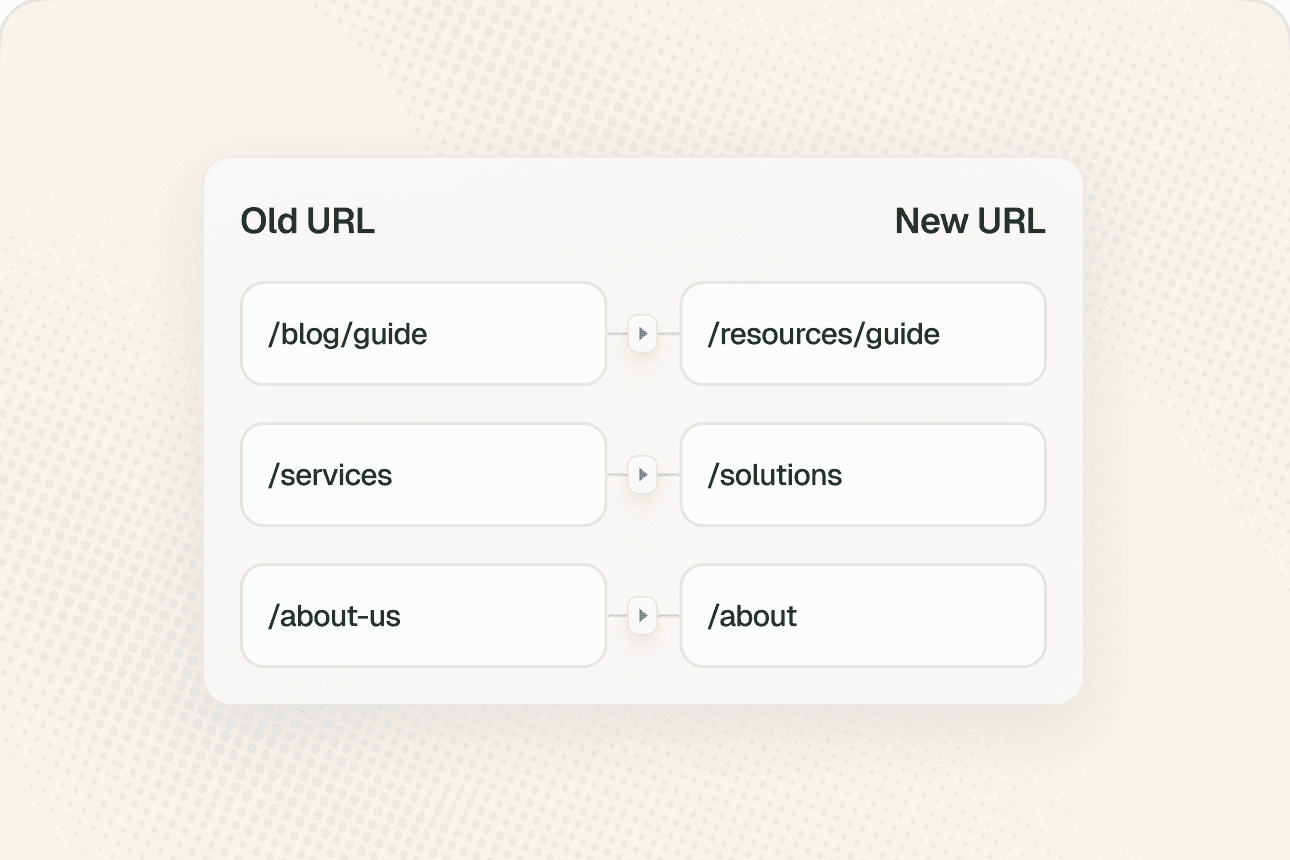
Pages show traffic weight, revealing what earns before changes.
Enter your site and where it’s moving. Get a one-page brief you can forward to your CEO: which pages keep their address, which tools carry over, and a realistic timeline. Free, no sign-up.
A good fit
Teams who already use Contentful and want a faster marketing front end they can host themselves.
Consider alternatives
Teams who need an application framework such as Next.js, or who still want a visual canvas rather than a repo.
Know the limits
The current front end, whatever it is, does not come across automatically. Templates and integrations are rebuilt in Astro or replaced.
Contentful has no pages of its own. Your current front end decides the URLs and the design, so a Contentful to Astro migration is two decisions: rebuild the front end in Astro, and choose whether the content stays in Contentful or moves out. This is how each part is handled.
In Contentful | With Astro | How we handle it |
Content types | Kept in Contentful, or moved to Astro content collections | Every type mapped, including references and validations |
Rich text fields | Rendered with Contentful’s rich text renderer, or converted to Markdown | Embedded entries and assets handled explicitly |
Assets and image transforms | Contentful’s Images API, or Astro’s image tools | Re-hosted only if you are leaving Contentful |
Locales | Astro i18n routing | Fallbacks and locale prefixes checked page by page |
Webhooks and preview | Build hooks and a preview route | Publishing still triggers a rebuild, and editors can preview drafts |
Front end routes | Astro pages on the same paths | URLs stay the same wherever possible, so most need no redirect |
Because Contentful does not own your URLs, we crawl the live site rather than the CMS. The usual things to map are:
Slug fields that editors changed over time, leaving old URLs linked from elsewhere.
Locale prefixes such as /en-gb/, and what happens at the root.
Paginated lists and filtered indexes created by the old front end.
Image and file links on images.ctfassets.net or assets.ctfassets.net that other sites link to directly.
Routes the old framework generated automatically, such as tag pages, that nobody listed.
Stay on Contentful when editors like it, you rely on its roles and locales, and the subscription fits your budget. Astro reads it through the Content Delivery API.
Move to Markdown or MDX in the repo when the people publishing are technical and you want to drop a CMS subscription.
Move to another headless CMS such as Sanity or Storyblok when the editing experience is the real problem.
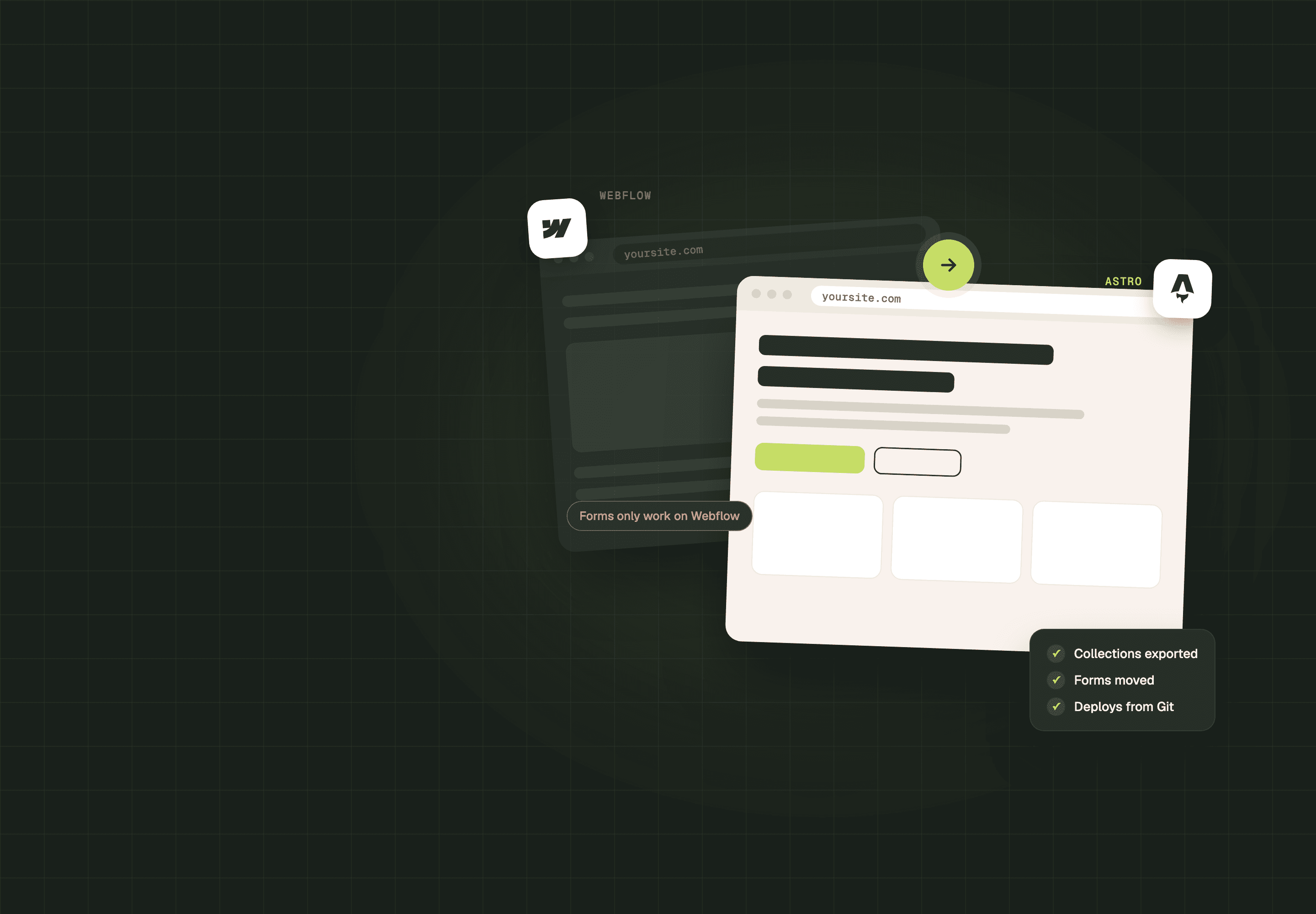
Content leaves Contentful through its CLI space export, so moving out is a planned step rather than a risk. Read our definitions of a headless CMS and a static site generator if you want the background, or compare platforms in Astro vs Webflow.
References between entries that the old front end resolved in a special way.
Draft and archived entries, so nothing unpublished goes live by accident.
Locale fallbacks, so a missing translation does not create an empty page.
Build times as the content grows, with incremental builds where they help.
Preview links for editors, tested before handover.
DNS changes, which only happen once every redirect is live and tested.
Migrations start from $10,000. The audit comes first and its fee comes off the build, so you are never paying twice for the same discovery work. The final quote depends on how many URLs carry traffic, how many content types and integrations need rebuilding, and how much of the design is changing at the same time. If the front end is fine and only parts of it need fixing, a Tune-Up at $5,000 can be the better first step.
You get the timeline with the quote, after the audit, so the dates are based on your real URL count rather than a guess. If you want a first read before talking to anyone, run your sitemap through the migration planner. Every package and its scope is listed on our pricing page.
Last updated November 2026.
Related routes: WordPress to a headless CMS, Webflow to Astro, WordPress to Astro and Framer to Astro.
→
SEO Migration Strategy: How to Replatform Without Losing Rankings
A practical guide to the content, SEO and launch checks behind this move.
→
SEO Migration Checklist: 67 Steps, From Benchmark to Post Launch
A practical guide to the content, SEO and launch checks behind this move.
→
Framer vs Webflow in 2026: Which Fits a Growing Team?
Framer vs Webflow for growing teams: who can edit the site, real 2026 costs, CMS limits, SEO and what a Webflow to Framer migration involves.