The Webby Awards

Each acquired for over $1 billion

Audit first

Before we quote

From $10,000

Migrations, audit fee credited

30 days

Of monitoring after launch

The Webby Awards

Each acquired for over $1 billion

Audit first

Before we quote

From $10,000

Migrations, audit fee credited

30 days

Of monitoring after launch

The Webby Awards

Each acquired for over $1 billion

Audit first

Before we quote

From $10,000

Migrations, audit fee credited

30 days

Of monitoring after launch

To move WordPress to a headless CMS, we audit every URL, model the content in Sanity, Contentful, or WordPress used headlessly, and rebuild the public site as a code front end such as Astro or Next.js.

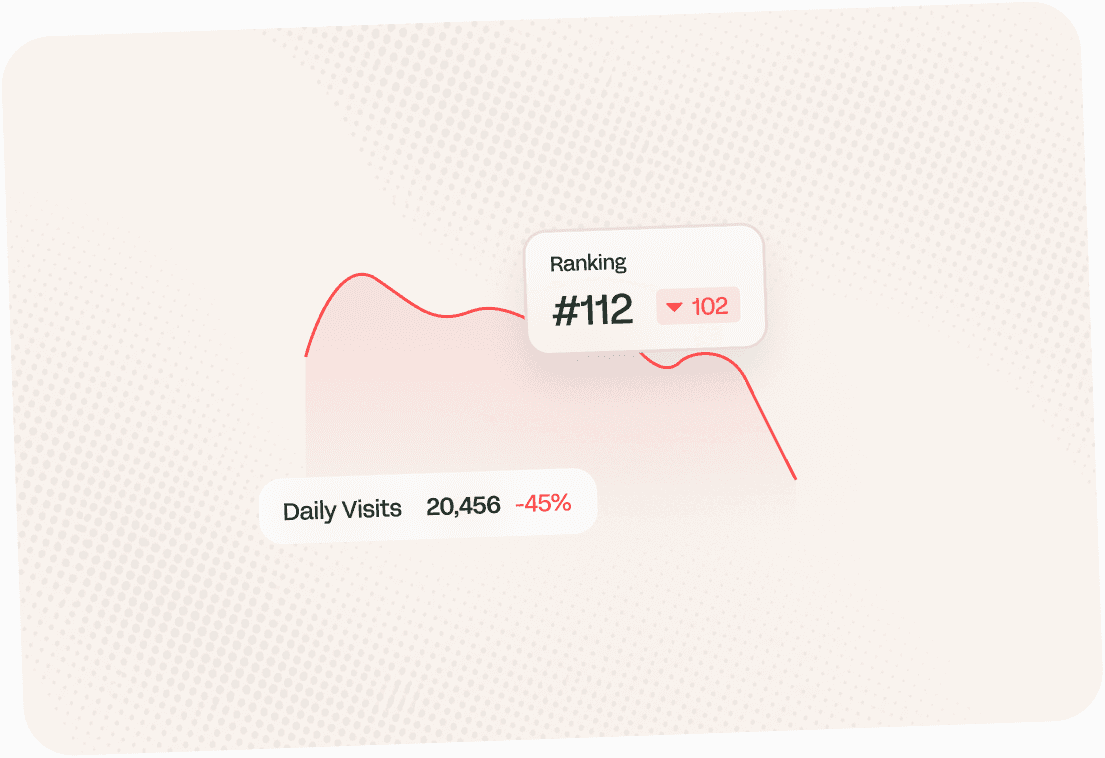
Illustration: The rankings go quietly

The rankings go quietly

Redirects were missed, the URL structure did not match, and nobody knew which pages had traffic until they stopped.

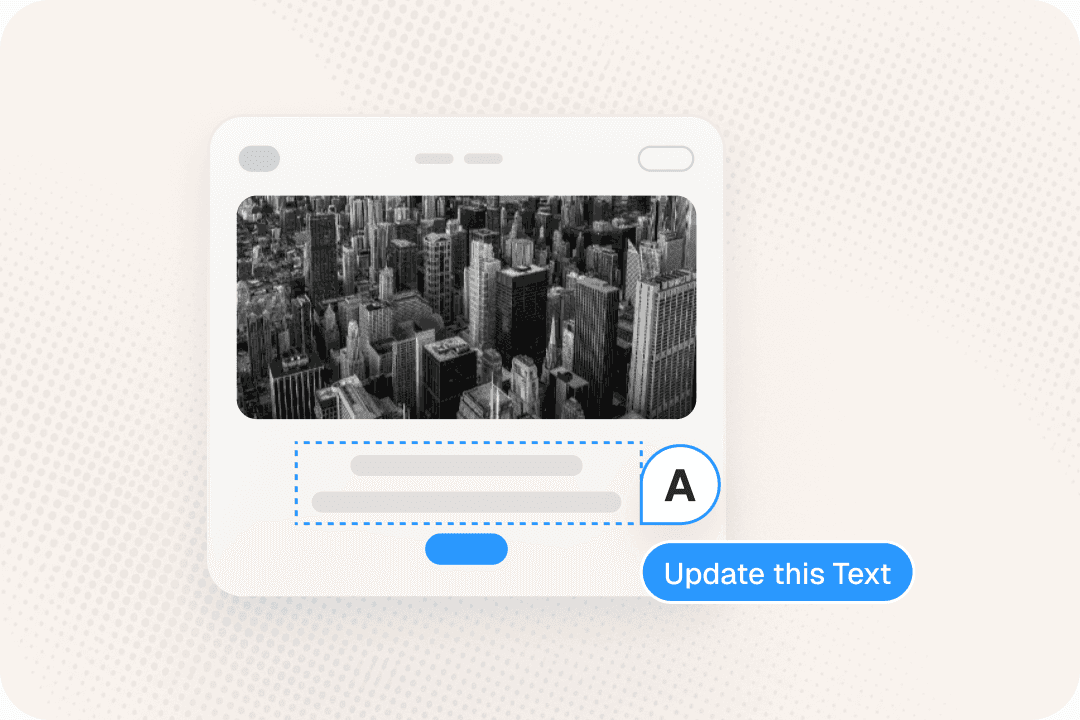
Illustration: You still can't edit it yourself

You still can't edit it yourself

New platform, same problem. Every page still needs a developer, so nothing changes after launch.

Illustration: Years of pages nobody will delete

Years of pages nobody will delete

Years of pages no one has authority to delete, and no record of which ones were actually earning anything.

What Moves With You.

Front end

Rebuild the public site in Astro or Next.js.

Front end

Rebuild the public site in Astro or Next.js.

CMS & content

Move to Sanity or Contentful, or keep WordPress headless.

CMS & content

Move to Sanity or Contentful, or keep WordPress headless.

URLs & SEO

Keep permalinks and carry over titles, metas and schema.

URLs & SEO

Keep permalinks and carry over titles, metas and schema.

Forms & tracking

Move forms to a form service and reconnect analytics.

Forms & tracking

Move forms to a form service and reconnect analytics.

Plugins

Replace each plugin with code or a hosted service.

Plugins

Replace each plugin with code or a hosted service.

Commerce & accounts

Scope WooCommerce and members as a separate service.

Commerce & accounts

Scope WooCommerce and members as a separate service.

Illustration: URL inventory

URL inventory

Pages show traffic weight, revealing what earns before changes.

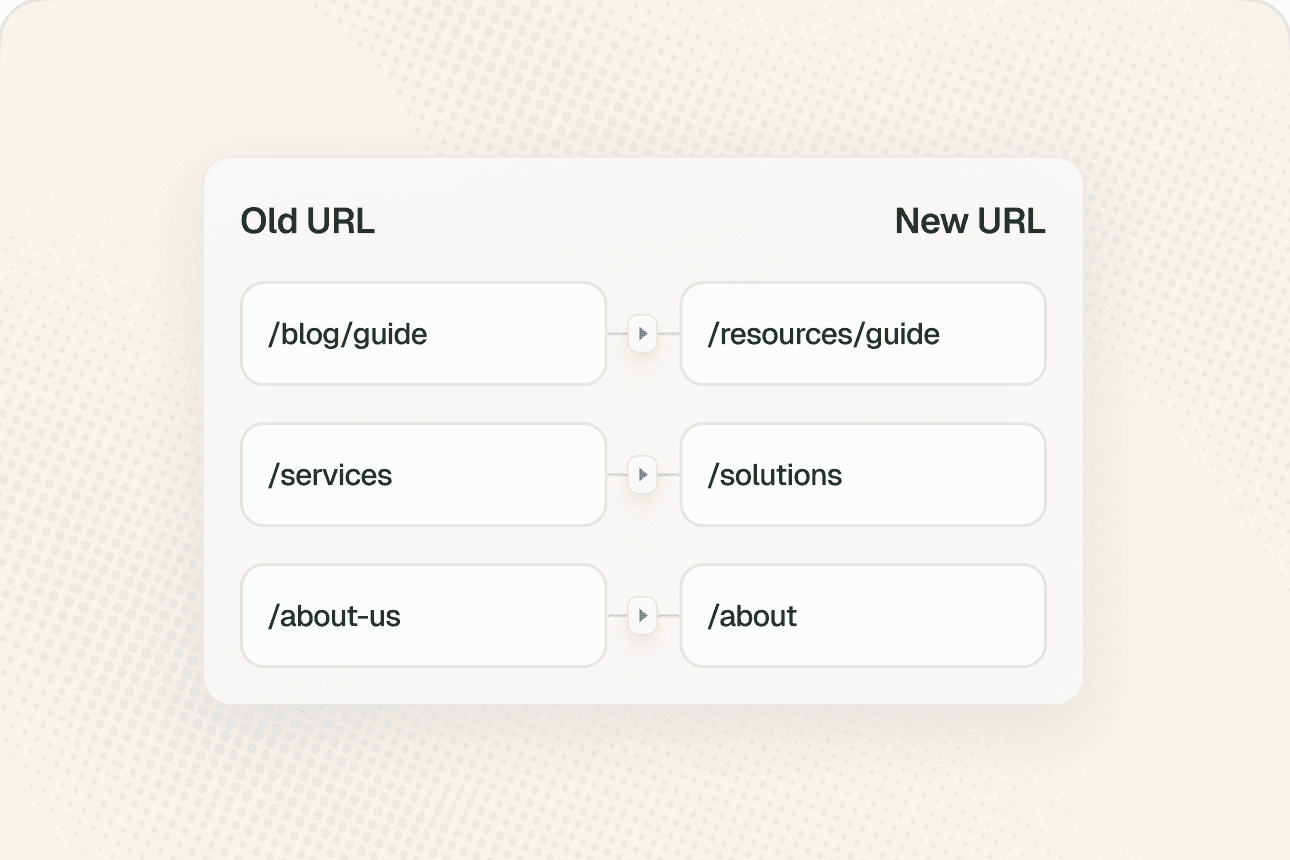
Illustration: The redirect map

The redirect map

Built and signed off before any page moves, then tested against the map.

Illustration: The new build

The new build

Astro components in your own repo, with content in a headless CMS or Markdown.

Illustration: CMS remodelled around your team

CMS remodelled around your team

Not copied across as it was. Collections structured for the people who will actually update them, with training before handover.

Illustration: 30 days of monitoring

30 days of monitoring

Rankings, crawl errors and redirect health after go-live. Migrations fail quietly in week three, so somebody should still be looking.

Cost & Timing

Your audit defines the CMS, the front end and the integrations. You get a clear quote and schedule before the build starts.

Cost & Timing

Your audit defines the CMS, the front end and the integrations. You get a clear quote and schedule before the build starts.

Cost & Timing

Your audit defines the CMS, the front end and the integrations. You get a clear quote and schedule before the build starts.

After Launch

We check redirects, forms and tracking, then monitor search signals and train your team. Support duration is agreed in your scope.

After Launch

We check redirects, forms and tracking, then monitor search signals and train your team. Support duration is agreed in your scope.

After Launch

We check redirects, forms and tracking, then monitor search signals and train your team. Support duration is agreed in your scope.

The migration in detail.

Useful Guides.

What actually moves from WordPress to a headless CMS

Going headless splits your site in two: a CMS where editors write, and a separate front end, usually Astro or Next.js, that turns that content into fast pages. This is how each part of a typical WordPress site is handled.

On WordPress

After the move

How we handle it

Posts and pages

Entries in the headless CMS

Exported from the database or REST API and cleaned of shortcodes

Gutenberg blocks and page builder layouts

Structured content types and front end components

Layouts become fields and components, not HTML blobs

Custom post types and ACF fields

Content models in the new CMS

Every field mapped, including relationships and repeaters

Plugins for forms, SEO, redirects and caching

Framework features, small services or code

Most plugins are replaced by a few lines of code or one service

Media library

CMS assets or an image CDN

Files keep their alt text, and linked uploads are redirected

Users and roles

CMS roles and permissions

Editors get only the access they need

The WordPress URL patterns we map

  • Date-based permalinks such as /2022/05/your-post/, usually moved to /blog/your-post.

  • /category/ and /tag/ archives, kept only where they rank or genuinely help people browse.

  • /author/ archives and paginated lists such as /page/2/.

  • Plain ID links such as /?p=123, which still turn up in old emails and forum posts.

  • Uploads under /wp-content/uploads/, especially PDFs that attract links.

  • Feeds at /feed/, which subscribers and aggregators keep requesting.

Choosing the headless CMS

There is no single right CMS. We pick with you in the audit, based on who edits, how often, and what the content looks like.

  • Sanity, when you want flexible content models and a customisable editing screen.

  • Storyblok, when editors want to see the page while they edit it.

  • Contentful, when a larger team needs strict roles, locales and workflows.

  • Payload, when you want an open source CMS you host yourself.

  • Headless WordPress, where WordPress stays as the editor and the new front end reads it through the REST API or WPGraphQL. It keeps the familiar editor, but it also keeps plugin and security upkeep.

Astro or Next.js for the front end?

Astro is the lighter choice for content-led marketing sites. Next.js makes sense when the site needs logged-in areas, personalisation or app-like features. Our WordPress to Next.js route covers the second case, and WordPress to Astro covers the first. For the wider decision, read Leaving WordPress and Webflow vs WordPress.

What we check before launch

  • Shortcodes and embeds that would otherwise print as raw text.

  • Yoast or Rank Math titles and descriptions, carried over field by field.

  • Redirects already stored in a WordPress plugin, merged into the new map.

  • Internal links that point at old permalinks.

  • Preview and publishing, so editors see changes before they go live.

  • DNS changes, which only happen once every redirect is live and tested.

How long it takes and what it costs

Migrations start from $10,000. The audit comes first and its fee comes off the build, so you are never paying twice for the same discovery work. The final quote depends on how many URLs carry traffic, how many content types and integrations need rebuilding, and how much of the design is changing at the same time. If you would rather stay on WordPress for now, a Tune-Up at $5,000 can be the better first step.

You get the timeline with the quote, after the audit, so the dates are based on your real URL count rather than a guess. If you want a first read before talking to anyone, run your sitemap through the migration planner. Every package and its scope is listed on our pricing page.

Last updated November 2026.

Related routes: WordPress to Astro, WordPress to Next.js, WordPress to Framer and Contentful to Astro.

Useful guides.

Useful Guides.

→

SEO Migration Strategy: How to Replatform Without Losing Rankings

A practical guide to the content, SEO and launch checks behind this move.

→

CMS Migration: How to Move Content Safely, Step by Step

A practical guide to the content, SEO and launch checks behind this move.

→

Framer vs WordPress in 2026: When to Switch, What It Costs

Framer vs WordPress for growing companies: who maintains it, real costs, security, SEO, blogging at scale and how to plan a migration that protects SEO.
FAQs

Your Questions, Answered.

We audit every URL, model the content in Sanity, Contentful, or WordPress used headlessly, and rebuild the public site as a code front end such as Astro or Next.js. Permalinks are kept or redirected, and the map is tested before launch.

No. Sanity is one option we use often. Contentful is another. Some teams keep WordPress itself as a headless CMS and only change the public front end. The audit compares those options against how the team will actually edit the site.

Plugins do not run on the new front end. SEO, forms and analytics plugins are replaced with built-in code or hosted services. Anything that cannot be replaced cleanly is flagged in the audit.

We keep your permalinks where possible and redirect any that change. Rankings can move during any migration, and no provider can guarantee them. Monitoring after launch reduces the risk.

Editors work in the chosen CMS admin. Developers change templates in the repo. The audit sets that workflow before the build starts.

It depends on post count, custom fields and plugins, and on whether the front end is Astro or Next.js. The audit sets the scope, and we agree the schedule before the build starts.

No. Content is exported and moved, not rewritten. The work is in cleaning it: removing shortcodes, splitting page builder layouts into structured fields and fixing internal links. Anything that needs rewriting is flagged in the audit, not discovered at launch.

Yes. Every CMS we recommend supports drafts and previews, and we wire a preview route into the front end so editors see the real page before it goes live.

Headless WordPress suits large teams who publish daily and know wp-admin well, but it keeps WordPress upkeep. Moving to Sanity or another headless CMS removes WordPress completely and gives you structured content, which usually suits smaller marketing teams better. We recommend one in the audit.

The same as any migration: missed redirects, lost metadata and two public versions of the site. We carry over every title, description and canonical, map and test every URL that earns traffic, block the CMS and staging from indexing, and monitor for 30 days after launch.

Migrations start from $10,000, and the audit fee comes off the build. The quote depends on URL count, content types, integrations and design changes. Ongoing CMS and hosting costs are set out in the audit from the vendors' published pricing.

Yes. The current site stays live until the new one is tested. Content is frozen briefly before the switch and a final export catches anything published in the meantime. If WordPress stays as the CMS, its admin moves to a subdomain that is blocked from indexing.

Talk Directly to the Founder

Your growth depends on shipping fast, iterating often, and keeping things moving.

Don’t need a call? Email harish@goodspeed.studio

Talk Directly to the Founder

Your growth depends on shipping fast, iterating often, and keeping things moving.

Don’t need a call? Email harish@goodspeed.studio

Talk Directly to the Founder

Your growth depends on shipping fast, iterating often, and keeping things moving.

Don’t need a call? Email harish@goodspeed.studio

Goodspeed logo icon

Join our newsletter

© 2026 Copyright. All Rights Reserved.