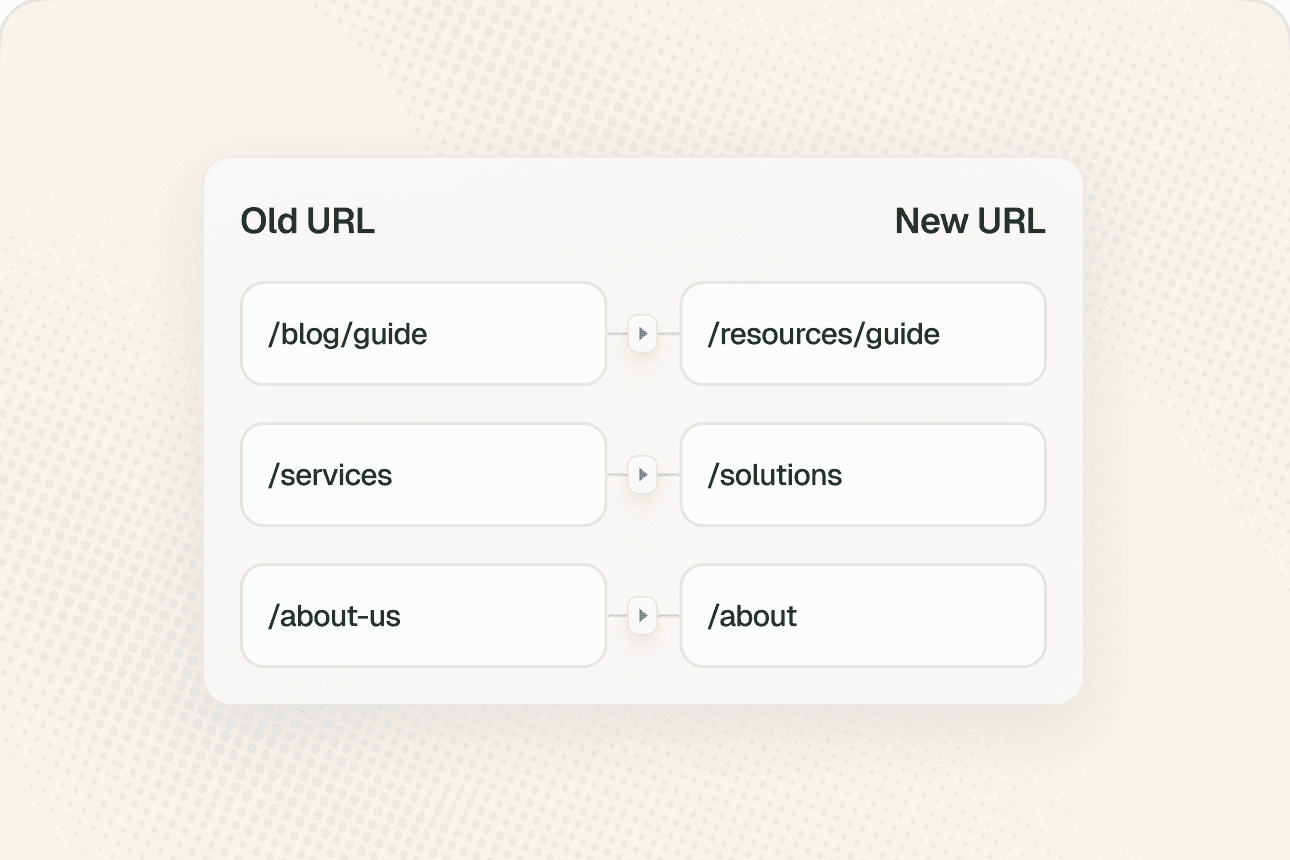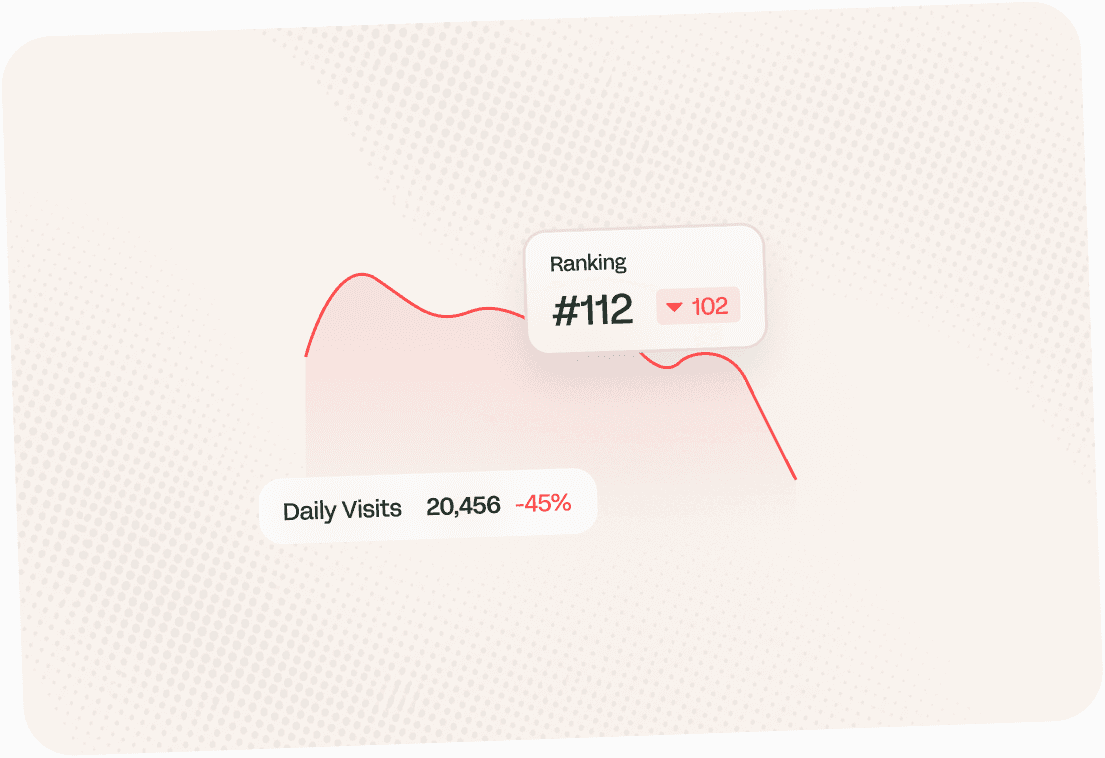



URL inventory
Pages show traffic weight, revealing what earns before changes.
Enter your site and where it’s moving. Get a one-page brief you can forward to your CEO: which pages keep their address, which tools carry over, and a realistic timeline. Free, no sign-up.
A good fit
Teams whose front end belongs in an application framework, with engineers who will review pull requests.
Consider alternatives
Teams who need a visual canvas for every layout, or who would be better served by a lighter static setup such as Astro.
Know the limits
Themes, PHP and plugins do not run in Next.js. SEO, forms and analytics plugins are replaced with code or hosted services.
A WordPress to Next.js migration replaces themes and plugins with a React codebase you own. Content moves to a headless CMS or to files, and every URL that earns traffic is mapped. This is how each part is handled.
On WordPress | On Next.js | How we handle it |
Theme templates | Next.js routes and React components | Rebuilt as a component library, not ported line by line |
Posts, pages and custom post types | A headless CMS or MDX files | Exported, cleaned of shortcodes and checked against the live site |
SEO plugin fields | The Next.js Metadata API and JSON-LD | Titles, descriptions, canonicals and social images carried over |
Redirect plugin rules | Redirects in next.config.js or at the host | Merged with the new redirect map and tested |
Contact and lead forms | Route handlers, server actions or a form service | Notifications and CRM connections set up again |
Caching and performance plugins | Static generation and incremental revalidation | Pages are pre-built, so most caching plugins are no longer needed |
Date-based permalinks such as /2022/05/your-post/, usually moved to /blog/your-post.
Trailing slashes. WordPress adds them by default and Next.js does not, so we set one canonical form and redirect the other.
/category/, /tag/ and /author/ archives, kept only where they rank.
Plain ID links such as /?p=123 and paginated lists such as /page/2/.
Uploads under /wp-content/uploads/, especially linked PDFs.
Feeds at /feed/, rebuilt or redirected so subscribers do not hit a 404.
A headless CMS such as Sanity, Storyblok or Contentful, when marketers publish often and need previews.
MDX in the repo, when the people publishing are developers.
Headless WordPress, when editors want to keep the WordPress screen and you accept the upkeep that comes with it.
Next.js is the right call when the marketing site needs to share code with your product, show logged-in content, or run real application logic. For a content-only site, Astro is lighter and usually cheaper to run. Compare the options in Framer vs Next.js, WordPress to Astro and WordPress to a headless CMS, or start with Leaving WordPress.
Shortcodes and embeds that would otherwise print as raw text.
Hosting and rendering choices, so pages that should be static are not rendered on every request.
Redirects stored in WordPress plugins, merged into the new map.
Internal links that point at old permalinks.
Core Web Vitals on real templates, not only on the homepage.
DNS changes, which only happen once every redirect is live and tested.
Migrations start from $10,000. The audit comes first and its fee comes off the build, so you are never paying twice for the same discovery work. The final quote depends on how many URLs carry traffic, how many content types and integrations need rebuilding, and how much of the design is changing at the same time. If you would rather stay on WordPress for now, a Tune-Up at $5,000 can be the better first step.
You get the timeline with the quote, after the audit, so the dates are based on your real URL count rather than a guess. If you want a first read before talking to anyone, run your sitemap through the migration planner. Every package and its scope is listed on our pricing page.
Last updated November 2026.
Related routes: WordPress to a headless CMS, WordPress to Astro, Webflow to Next.js and Lovable to Next.js.
→
SEO Migration Strategy: How to Replatform Without Losing Rankings
A practical guide to the content, SEO and launch checks behind this move.
→
SEO Migration Checklist: 67 Steps, From Benchmark to Post Launch
A practical guide to the content, SEO and launch checks behind this move.
→
Framer to Code: Moving a Framer Site to Next.js
Framer is a great design tool. It is not a codebase. Here's how to move a Framer site to Next.js when the design tool has stopped being enough.
→
Claude Code vs Lovable: Claude Code for Devs, Lovable for Founders
Claude Code suits teams with developers shipping production code; Lovable suits non-technical founders validating an idea fast. Pricing, limits, using both.