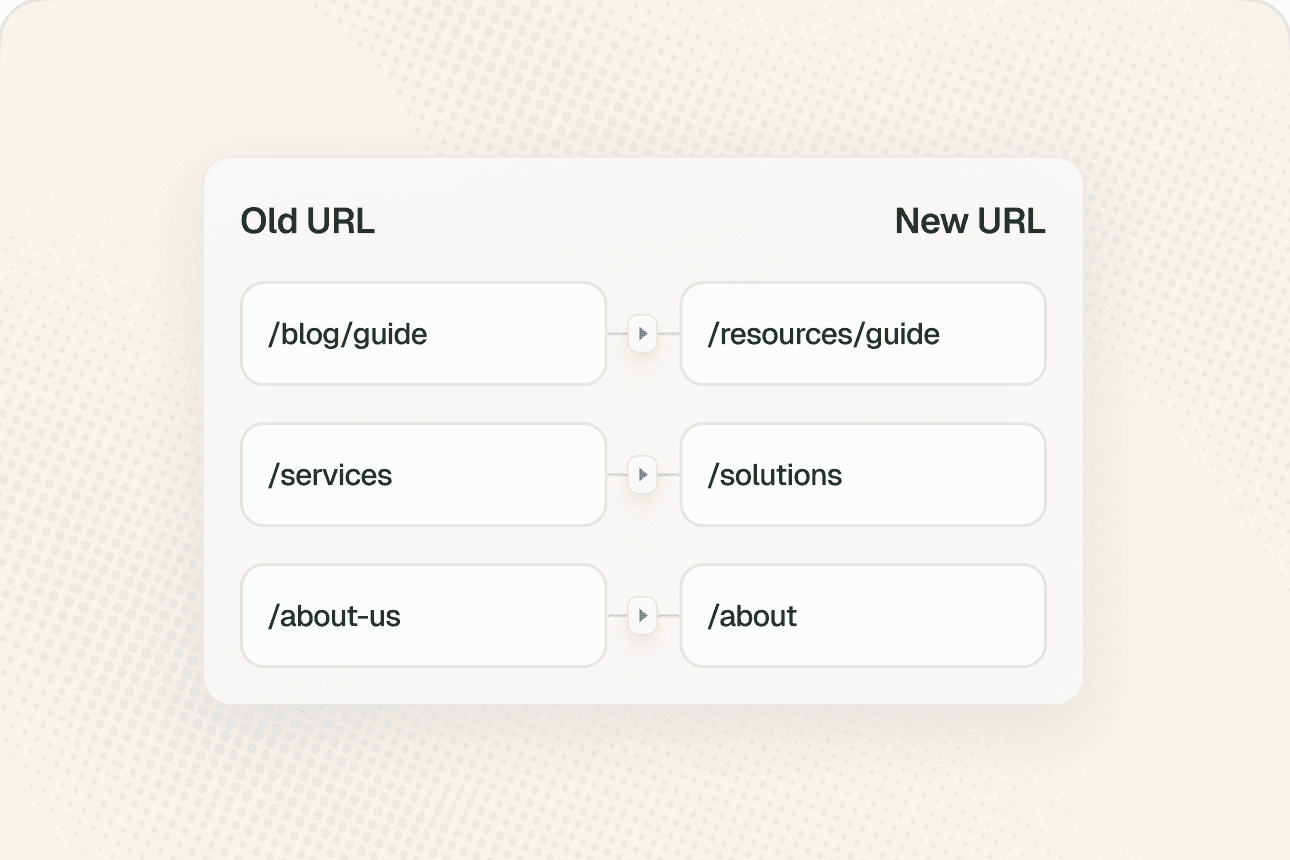



URL inventory
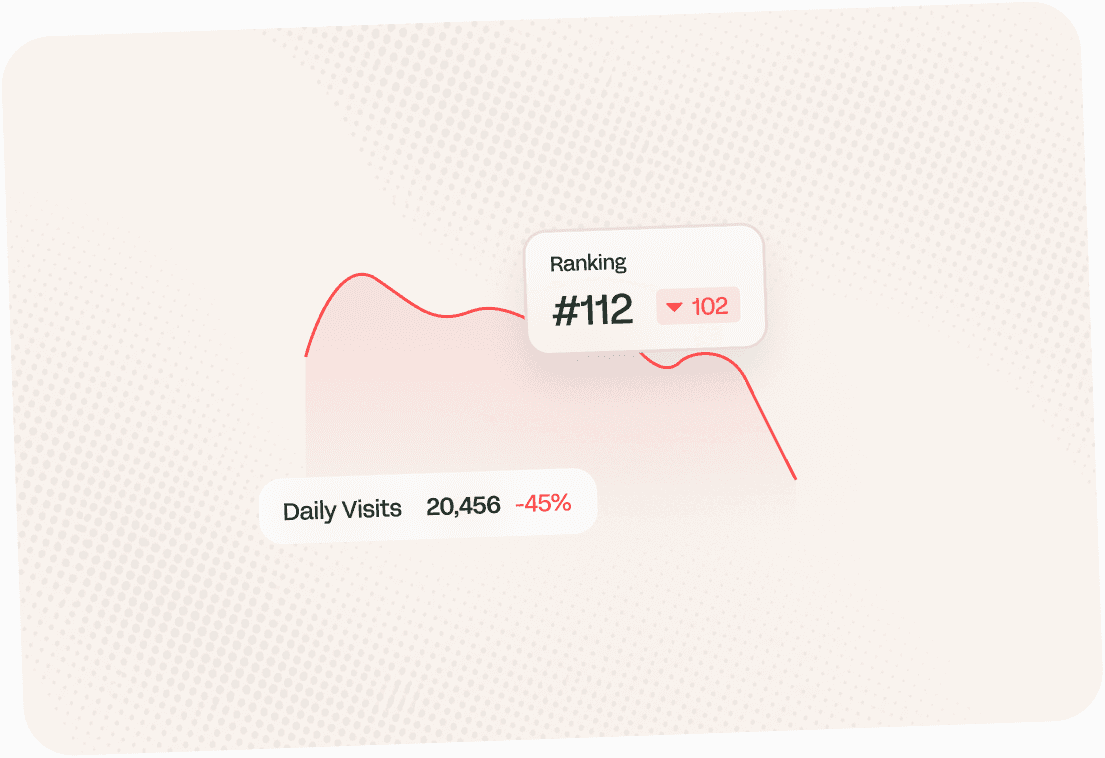
Pages show traffic weight, revealing what earns before changes.
Enter your site and where it’s moving. Get a one-page brief you can forward to your CEO: which pages keep their address, which tools carry over, and a realistic timeline. Free, no sign-up.
A good fit
Teams who have outgrown the Webflow editor or hosting model and want an application framework in a repo.
Consider alternatives
Marketing teams who need to keep editing layouts visually, with no interest in a repo.
Know the limits
Webflow interactions, forms and Logic only run on Webflow hosting. They are rebuilt in code or replaced.
Webflow’s exported code is not a sensible base for a Next.js app, so the design is rebuilt in React and the content is moved through Webflow’s CSV export or Data API. This is how each part is handled.
On Webflow | On Next.js | How we handle it |
Static pages and symbols | Next.js routes and React components | Rebuilt as a component library your developers can extend |
CMS collections | A headless CMS or MDX files | Exported, with references and multi-reference fields mapped |
Interactions and animations | CSS or a motion library | Rebuilt where they help, dropped where they slow pages down |
Webflow forms | Route handlers, server actions or a form service | Notifications and integrations set up again |
301 redirects in hosting settings | Redirects in next.config.js or at the host | Exported and kept, then merged with the new map |
Custom code embeds | Components and managed scripts | Reviewed, then kept, replaced or removed |
Collection item pages at /collection-slug/item-slug, such as /blog/your-post.
Paginated collection lists that use query strings such as ?a1b2c3_page=2.
Redirects you already set up in Webflow’s hosting settings, which are easy to forget and expensive to lose.
Images and files on Webflow’s asset CDN, re-hosted so nothing depends on the old project.
Locale subfolders, if you used Webflow Localization.
A headless CMS such as Sanity, Storyblok or Contentful, when your marketers liked editing in Webflow and need a comparable screen.
MDX in the repo, when the people publishing are developers.
A Git-based editor, when you want content versioned with the code but still edited through a simple screen.
Next.js makes sense when you have outgrown what Webflow’s CMS and hosting can do: logged-in areas, product data, complex integrations or a shared codebase with your app. If you mainly want a faster marketing site that marketers can still edit, Webflow to Framer or Webflow to Astro is usually the better route. Read Leaving Webflow, Astro vs Webflow and Framer vs Next.js before you decide.
Collection references that break when content is exported.
Rich text with embedded components, which needs explicit handling.
Forms and integrations that ran through Webflow’s own settings.
Analytics and consent scripts from the old custom code fields.
Core Web Vitals on real templates, not only on the homepage.
DNS changes, which only happen once every redirect is live and tested.
Migrations start from $10,000. The audit comes first and its fee comes off the build, so you are never paying twice for the same discovery work. The final quote depends on how many URLs carry traffic, how many content types and integrations need rebuilding, and how much of the design is changing at the same time. If a full move is not right yet, a Tune-Up at $5,000 can be the better first step.
You get the timeline with the quote, after the audit, so the dates are based on your real URL count rather than a guess. If you want a first read before talking to anyone, run your sitemap through the migration planner. Every package and its scope is listed on our pricing page.
Last updated November 2026.
Related routes: Webflow to Astro, Webflow to Framer, WordPress to Next.js and Framer to Astro.
→
SEO Migration Strategy: How to Replatform Without Losing Rankings
A practical guide to the content, SEO and launch checks behind this move.
→
SEO Migration Checklist: 67 Steps, From Benchmark to Post Launch
A practical guide to the content, SEO and launch checks behind this move.
→
Framer to Code: Moving a Framer Site to Next.js
Framer is a great design tool. It is not a codebase. Here's how to move a Framer site to Next.js when the design tool has stopped being enough.
→
Claude Code vs Lovable: Claude Code for Devs, Lovable for Founders
Claude Code suits teams with developers shipping production code; Lovable suits non-technical founders validating an idea fast. Pricing, limits, using both.