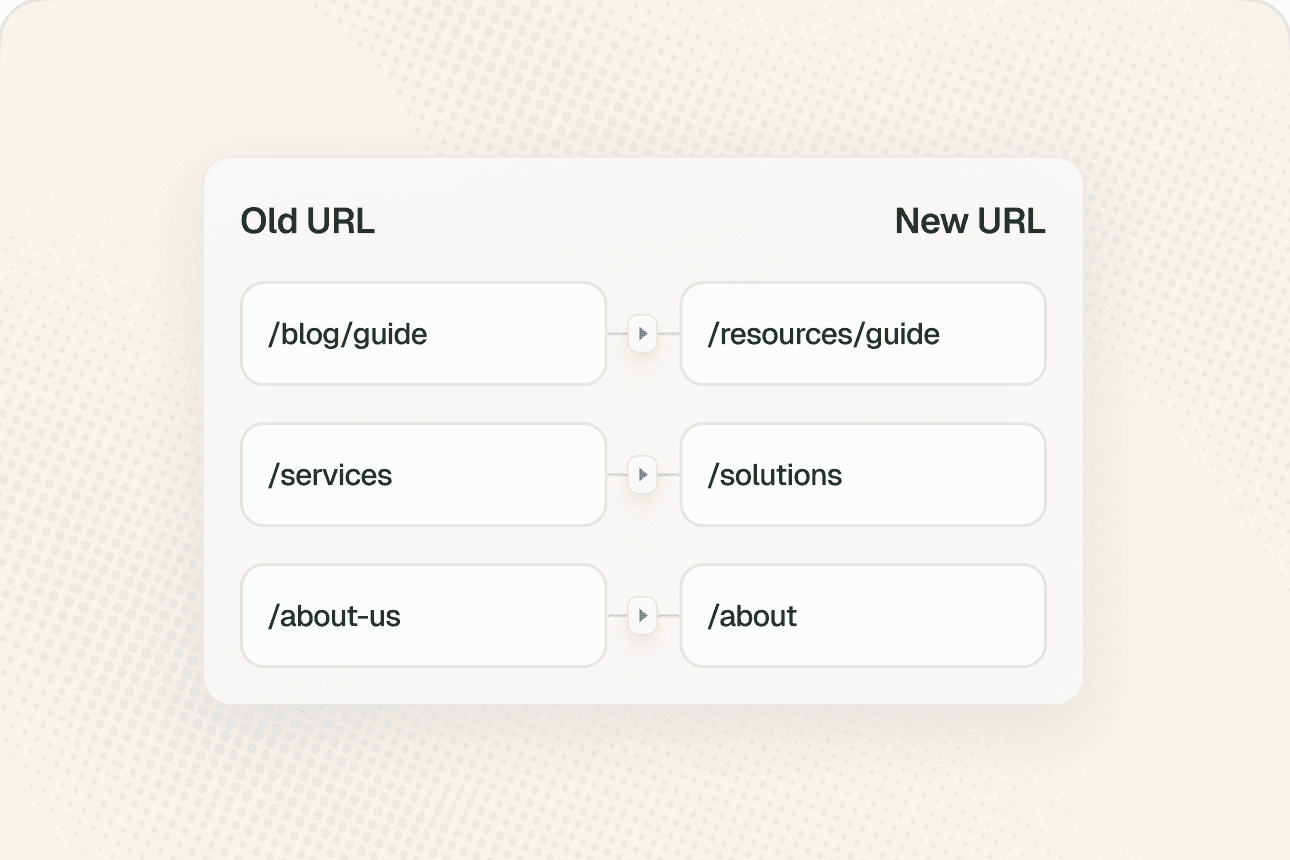





URL inventory
Pages show traffic weight, revealing what earns before changes.
Enter your site and where it’s moving. Get a one-page brief you can forward to your CEO: which pages keep their address, which tools carry over, and a realistic timeline. Free, no sign-up.
A good fit
Teams who have outgrown the Wix editor or apps and want a faster site they can take with them.
Consider alternatives
Teams who still want to edit layouts inside a guided editor, with no interest in a repo.
Know the limits
Wix editor features, apps and built-in forms only run on Wix. They are rebuilt in code or replaced.
Nothing built in the Wix editor exports as usable code, so a Wix to Astro migration is a rebuild of the front end and a careful export of everything else. This is how each part of a typical Wix site is handled.
On Wix | On Astro | How we handle it |
Editor pages | Astro pages, layouts and components in your repo | Rebuilt as reusable components, not copied block by block |
Wix Blog posts | Markdown, MDX or headless CMS entries | Text, images, authors, categories and publish dates exported and checked |
Wix CMS collections | Astro content collections or a headless CMS | Each field mapped by type, including references between collections |
Wix Forms | A form service or a serverless function | Notification emails and spam protection set up again and tested |
Wix apps such as bookings or chat | A dedicated service, an embed, or nothing | Each app gets a decision in the audit: replace, embed or drop |
SEO settings | Astro head tags and JSON-LD | Titles, descriptions, canonicals and social images carried over |
Wix uses a handful of URL shapes that need explicit redirect rules. Missing any of them is how rankings leak after launch.
Blog posts at /post/your-slug, usually moved to /blog/your-slug with a one to one 301.
Blog category and tag archives under /blog/categories/ and /blog/tags/, kept where they rank or sent to the nearest useful page.
Dynamic CMS pages under the prefix you chose in Wix, such as /items/your-slug.
Store product pages at /product-page/your-slug, if you used Wix Stores.
Images and files served from wixstatic.com, which are re-hosted with the new site so nothing depends on your old account.
Astro does not force a CMS on you. The right answer depends on who edits the site and how often.
Markdown or MDX in the repo, when a small team publishes occasionally and is happy working in files. It is free, versioned and the fastest to build.
A Git-based editor such as Keystatic or Decap, when non-developers need a simple editing screen but you still want content in the repo.
A headless CMS such as Sanity, Storyblok or Contentful, when marketers publish every week and need previews, roles and scheduling.
We recommend one in the audit, based on how your editors actually work, not on our preference.
Astro suits content-led marketing sites. Pages are built into plain HTML ahead of time, so they load quickly and need very little upkeep. It is a weaker fit if your team wants to drag layouts around every week, or if most of the site is really a shop or a booking flow. In that case Wix to Framer may suit you better. If you are still choosing a platform, read Astro vs Webflow and Wix vs WordPress.
Blog posts that lost their publish dates or authors in the export.
Wix app features nobody listed, such as a members area or booking widget, found before the build rather than after it.
Forms that still send to an old inbox.
Analytics and pixels that lived in Wix’s marketing settings and need adding to the new site.
Image alt text and captions, which are easy to drop in an export.
DNS changes, which only happen once every redirect is live and tested.
Migrations start from $10,000. The audit comes first and its fee comes off the build, so you are never paying twice for the same discovery work. The final quote depends on how many URLs carry traffic, how many content types and integrations need rebuilding, and how much of the design is changing at the same time. If a full move is not right yet, a Tune-Up at $5,000 can be the better first step.
You get the timeline with the quote, after the audit, so the dates are based on your real URL count rather than a guess. If you want a first read before talking to anyone, run your sitemap through the migration planner. Every package and its scope is listed on our pricing page.
Last updated November 2026.
Related routes: Wix to Framer, Squarespace to Astro, Webflow to Astro and WordPress to Astro.
→
SEO Migration Strategy: How to Replatform Without Losing Rankings
A practical guide to the content, SEO and launch checks behind this move.
→
SEO Migration Checklist: 67 Steps, From Benchmark to Post Launch
A practical guide to the content, SEO and launch checks behind this move.
→
Framer vs Webflow in 2026: Which Fits a Growing Team?
Framer vs Webflow for growing teams: who can edit the site, real 2026 costs, CMS limits, SEO and what a Webflow to Framer migration involves.